

Adobe Podcast Is Better Than You Think. But Don’t Rely On It.
If you haven’t played with Adobe Podcast yet, you probably should.
It used to be called Adobe Enhance. Same idea. AI powered dialogue cleanup that can take pretty rough audio and make it surprisingly usable.
I recently had one of those moments where it genuinely saved me.
I was on a shoot planning to capture B roll only. No lapel mics. No boom. Just the internal mic on my Sony A7S III.
As you know, built in camera mics are fine for scratch audio, but they are thin, tinny and lacking any real body. There's no depth in the low mids and everything feels brittle.
Later in the edit, I realised I actually needed that dialogue.
So I ran it through Adobe Podcast.
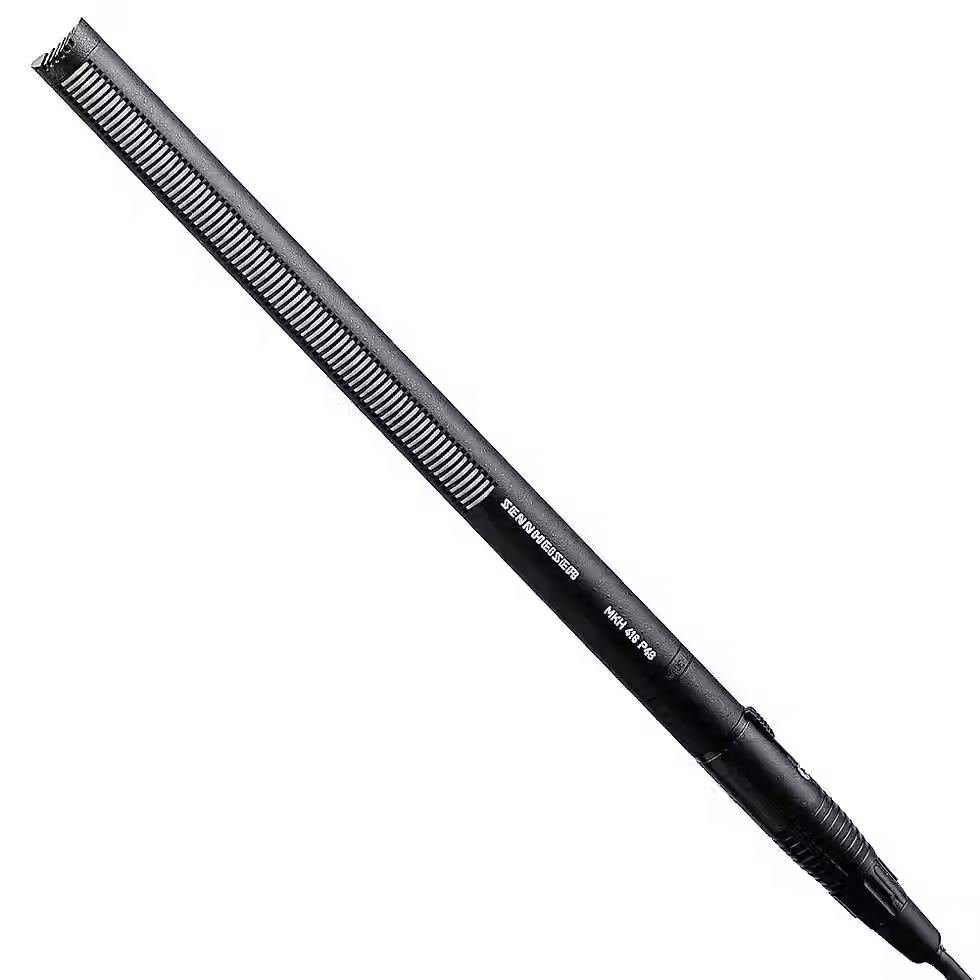
The result honestly surprised me. It filled out the missing frequencies, added weight to the low end and smoothed out the harsh top end. It didn't just remove noise. It rebuilt the sound. It felt like I had used a decent shotgun mic instead of an onboard mic.
For video editors who are not audio specialists, this tool can be a game changer.
But here is the caution.
Adobe Podcast is powerful, but it is aggressive. If you have:
• Multiple people talking at once
• Panel discussions
• Crosstalk
• Fast interruptions
It can start ducking voices unnaturally. You will hear that digital, phasey texture. Sometimes it even shifts the timbre of someone’s voice. Push it too hard and it starts to sound like AI rather than a person.
Used well, it is brilliant. Pushed too far, it becomes obvious.
Another editor recently told me something smart. He reduces the Enhance slider to zero and simply uses Adobe Podcast as a noise reduction tool. That way he keeps the original character of the voice but still cleans up room tone and background noise.
I thought that was a great approach.
Here is how I see it:
Adobe Podcast is a safety net.
It's not an excuse to skip proper audio capture.
Good mic placement will always beat AI reconstruction. But when things go wrong, or when you are in a run and gun situation and something unexpected happens, it can absolutely save a project.
If you are editing video in 2026 and you have not explored this tool yet, you are leaving a very powerful option on the table.
Just use it with restraint.

Comments